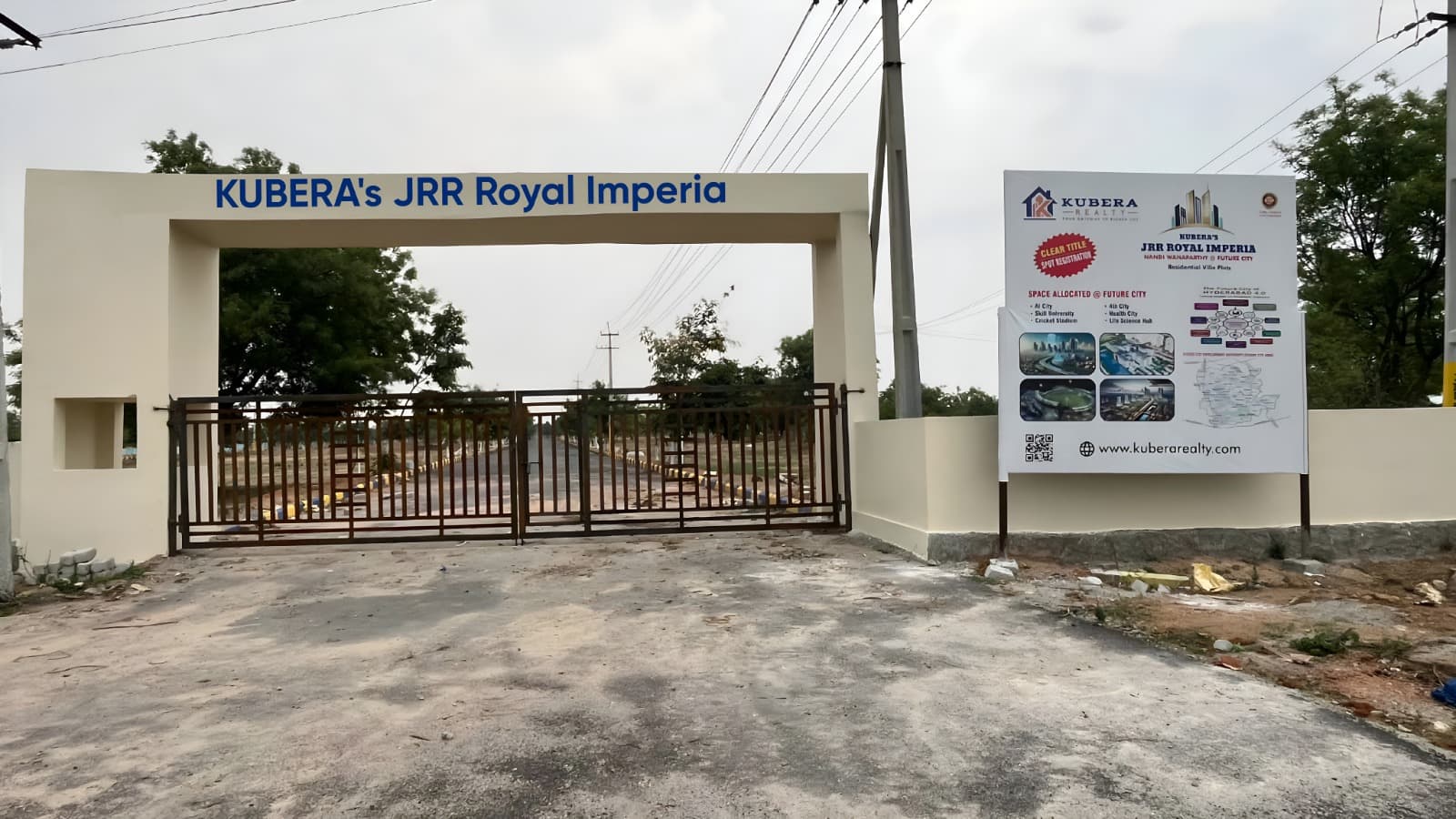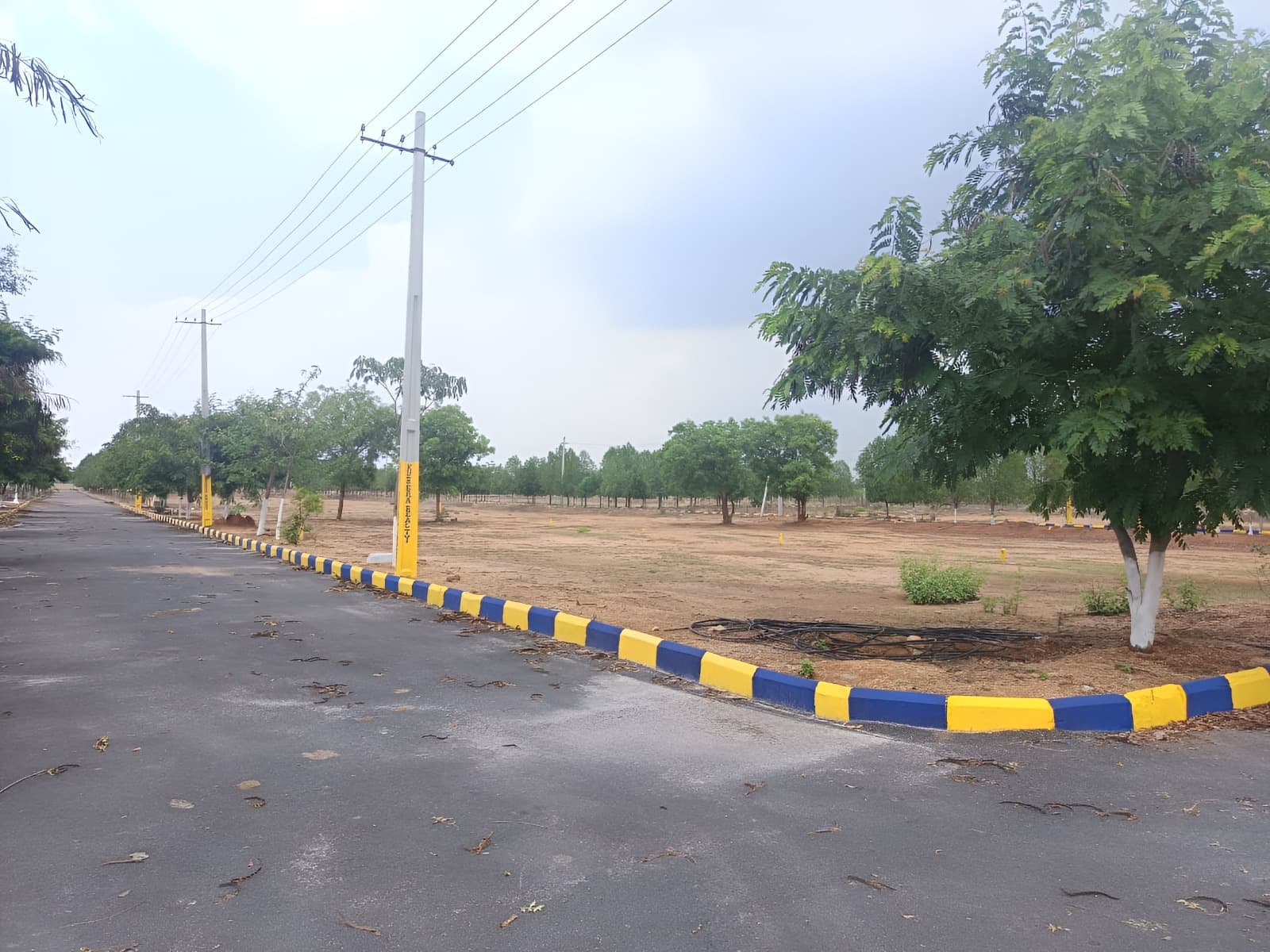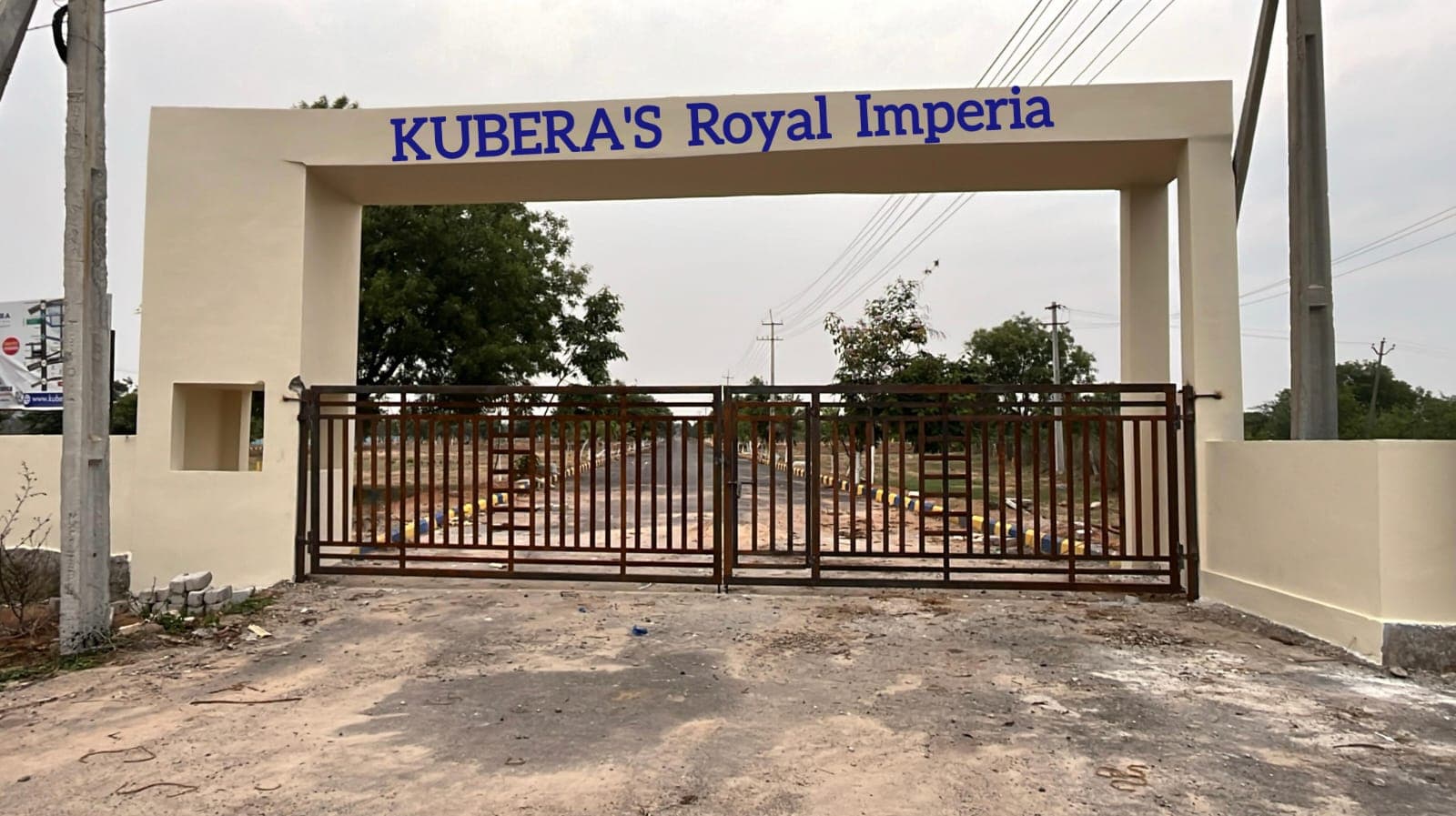
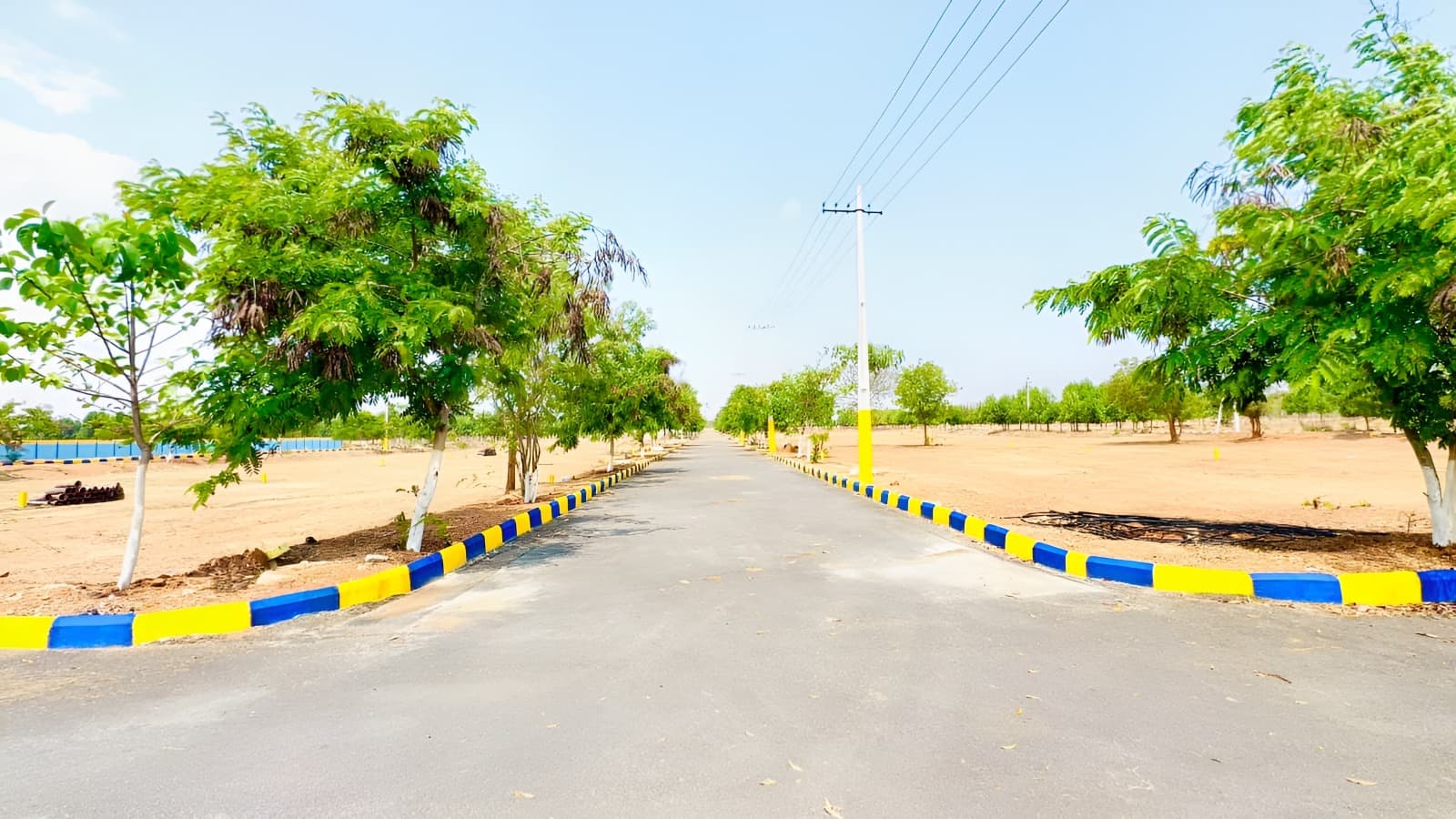
Use JRR’s availability page to filter by facing, phase and sales status, then tap a plot to see its details. Yellow shows available plots; red shows sold/registered and pink shows booked/allotted. Blue identifies mortgage markings from the supplied drawing, which need a separate release check.
Read the phase before the plot number
The JRR layout includes Phase 1 with 99 plots and Phase 2 with 24. Plot numbers repeat across phases, so include both in your shortlist. On a phone, tap a plot to select it; on a larger screen, the details can also be explored with the pointer.
Use the zoom controls and drag the map to inspect a row. Fit layout restores the overall view. The plot panel gives the selected area and facing, helping you compare options without relying on a blurry image.
Treat facing as a frontage question
If you want a south-facing plot, select South in the facing filter and review the remaining plots. Check the listed orientation against the north marker, road frontage and the records for the exact plot. Ask for confirmation on site before using the orientation to plan a home.
Corner plots may meet more than one road, and irregular plots can have different frontage lengths. A single facing field is useful for shortlisting but does not answer every construction question. Ask how the main entrance and your intended building footprint would relate to the plot.
- Choose a phase and sales-status filter.
- Select the preferred facing.
- Tap a plot and note its phase, number and area.
- Check adjoining roads and mortgage markings.
- Confirm frontage and measured dimensions on site.
Keep sales status separate from release records
A blue mortgage-marked plot still has a sales status displayed in its details. The colour records a marking in the supplied drawing; it does not show a verified current release or a transaction clearance. Ask for current documents.
Published availability reflects the latest website updates and may change. Confirm your shortlist with Kubera Realty before discussing a reservation. You can arrange a free car site visit from the Uppal office to compare the online map with the selected plots on the ground.
Common questions
How do I find south-facing JRR plots?
Open availability, select South in the facing filter and tap a matching plot. Confirm the orientation and frontage with the team.
What does the blue plot colour mean?
It identifies a mortgage marking from the supplied drawing. Ask for current release records; the sales status is shown separately.
Does selecting a plot online reserve it?
No. Selection displays details for an enquiry. Availability and booking terms must be confirmed with the team.